CorelDRAW adds AI image tools, but do designers really need them?
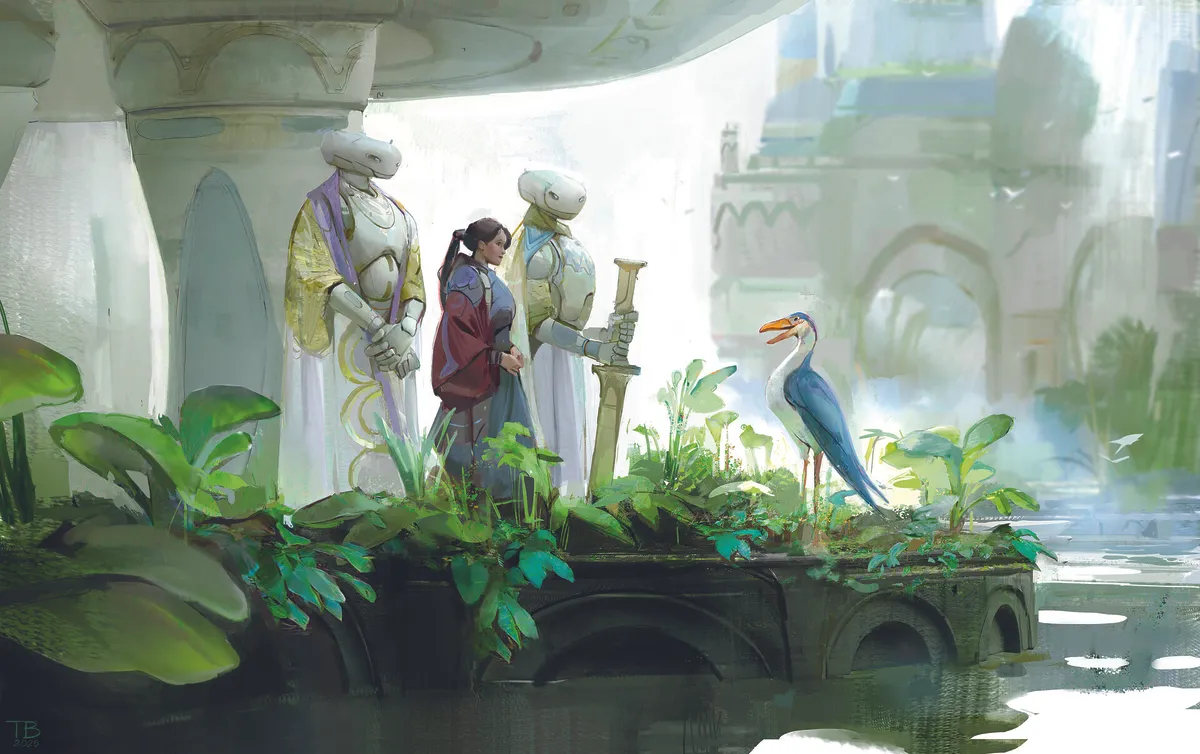
CorelDRAW has rolled out a new wave of AI tools in its latest update, bringing popular, leading-edge, but controversial models, including Stable Diffusion 3.5, Flux Schnell, and Nano Banana directly into the legacy vector-drawing app.
On the surface, it’s exactly what you’d expect in 2026. Every major creative platform is racing to bolt on generative AI features, and Corel isn’t about to sit that one out, even if many feel perhaps it should, given the controversies around genAI. You can now generate images from prompts, create variations, and experiment without leaving the software. I’ve tried it, and it’s as convenient as expected, but if I’m honest, it doesn’t yet feel essential to what CorelDRAW is; it feels a little like a need to keep up without really needing to be here.
The reason is simple: these tools aren’t truly vector-native. The images generated via Stable Diffusion or Nano Banana are raster-based, which means if you’re working in a precision vector workflow, you still need to convert them. That extra step slightly breaks the speed AI is being sold for. CorelDRAW has always been about clean lines, scalable artwork, and tight control, and right now the AI feels like it’s sitting alongside that well-won legacy rather than fully embedded within it. CorelDRAW features one of the best vector conversion tools, enabling you to turn images, AI or not, into vector art, but it’s an added step in the AI workflow that many could get fed up with.